Exchange 2019 built-in antispam features are difficult to manage, configure and monitor.
Hexamail Guard adds better reporting, logging and control of all Antispam filtering for Exchange 2019.
In addition it adds extra layers of spam blocking functionality including:
- - Bayesian content matching for detecting text spam
- - Intelligent image matching for blocking image based spam
- - Multiple DNSBL based real time block lists
- - DKIM verification and DMARC verification
- - SPF verification
- - Built in antivirus for preventing infected documents and malware
Hexamail also offers unparalleled spam quarantine management
This guide will help you install and setup Hexamail Guard as your Antispam gateway for Exchange 2019.
You will need:
- - a computer with plenty of disk space (>2GB) for storing email
- - a 64bit or 32bit Windows operating system (Anything over Windows XP is still supported!)
- - a permanent/reliable connection to the Internet
- - an email account on a mail server or email provider such as Gmail, Yahoo, Hotmail, Livemail, Office365 etc
- - [Optional] an online calendar account such as Office 365, Google Calendar, CALDAV, Memotoo, Fruux etc
- - [Optional] an online contacts account such as Google Contacts, CARDDAV, Memotoo, Fruux etc
You will need:
- - Administrator access or access allowing installation of software onto your computer
Next you need to download the required software and copy it to your chosen computer.
- 1) Download Hexamail POP3 Downloader and save the installer exe file and license on the computer
- 2) Run the hexamailpop3downloadersetupN.N.N.NNN.exe file by double clicking on it. if you are on a 64bit system you should download the 64bit version called hexamailpop3downloadersetupN.N.N.NNN_64.exe
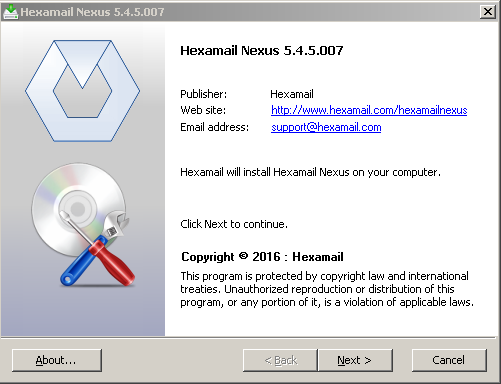
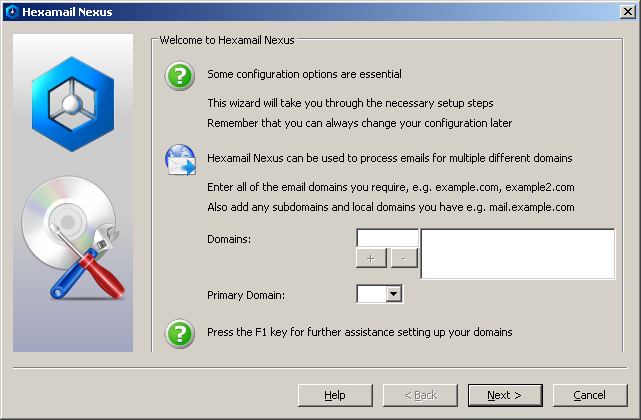
You can configure using a remote Windows administration GUI, using the Web Administration or by editing the configuration file directly.
The configuration settings are the same as in the Windows Administration and you can use the same help file to read about the various options in the Administration sections here: Hexamail POP3 Downloader Help
In the WebAdmin press the help button on the page you are using to see help relating to that specific page of settings.
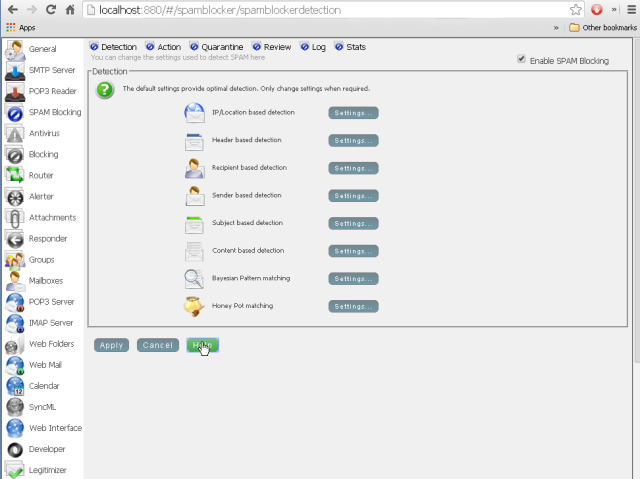
Alternatively you can configure Hexamail settings directly in the configuration file as per the instructions in the Configuration section here: Hexamail POP3 Downloader Help
Once installed and initially configured, Hexamail is very easy to manage with clearly laid out settings, log files and email statistics/reporting. Just click on any section to open that section of the included administration app and click on a page to edit the settings for a given part of a module.
Hexamail also provide a mail server with built in antispam capabilities Hexamail Server.
Hexamail Guard provides a powerful antispam gateway for Exchange 2019, delivering Bayesian content filtering, image spam analysis, DNSBL real-time block lists, DKIM/SPF/DMARC verification, and integrated antivirus scanning. It offers unparalleled spam quarantine management and detailed reporting, complementing Exchange 2019's basic built-in antispam capabilities.