This is a guide to setting up automatic email language routing
Let's break the guide into some easy steps:
For this step please see one of the relevant guides:
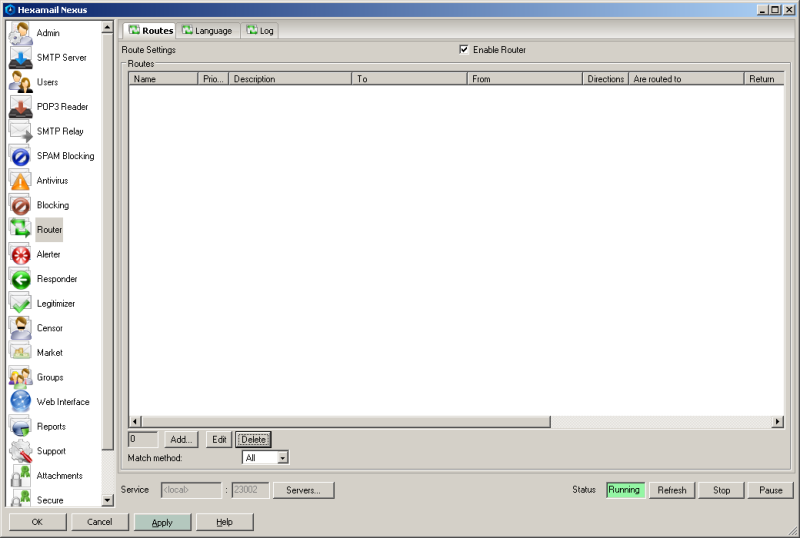
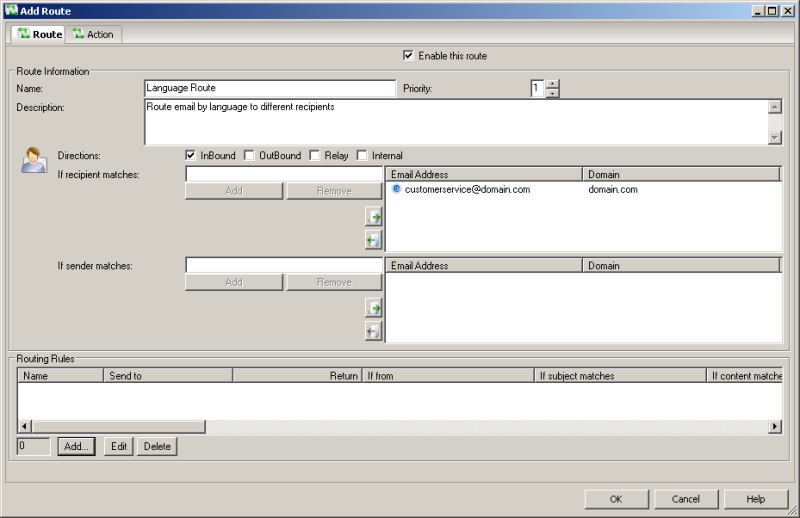
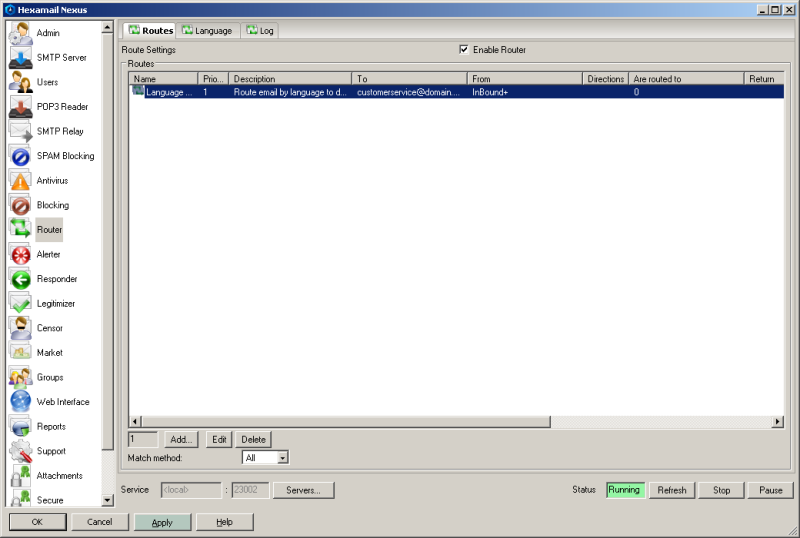
- Create a route for language routing by pressing the Add... button on the Router/Routes page
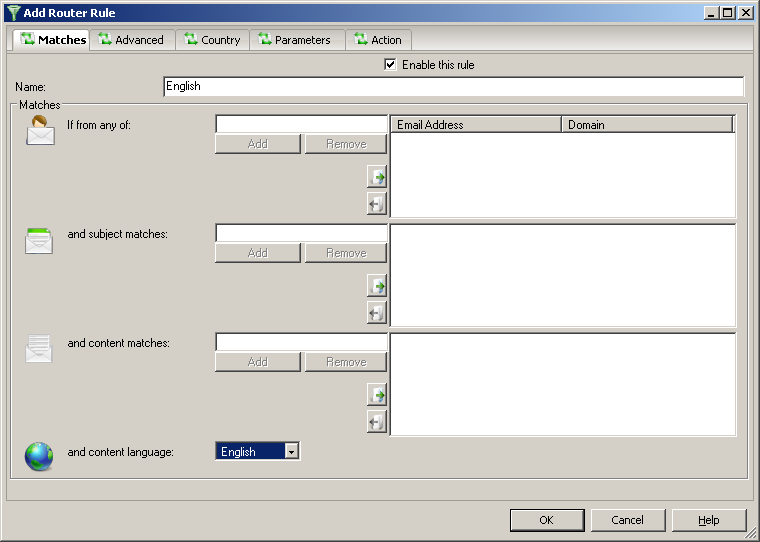
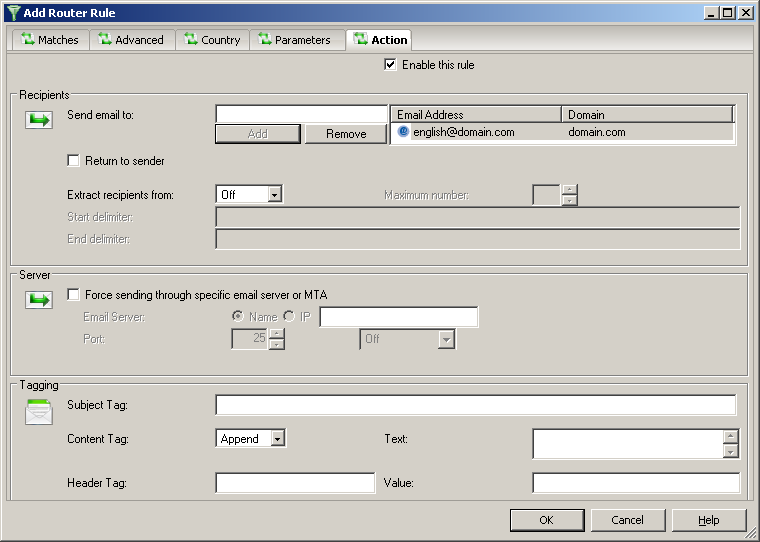
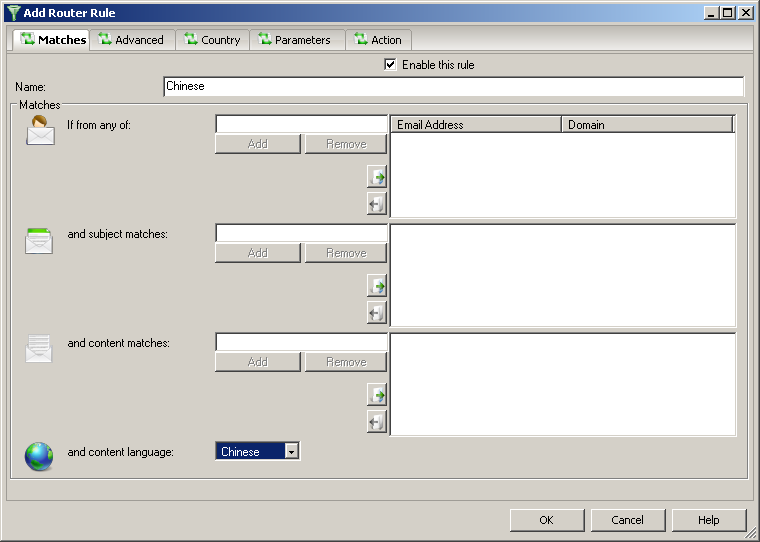
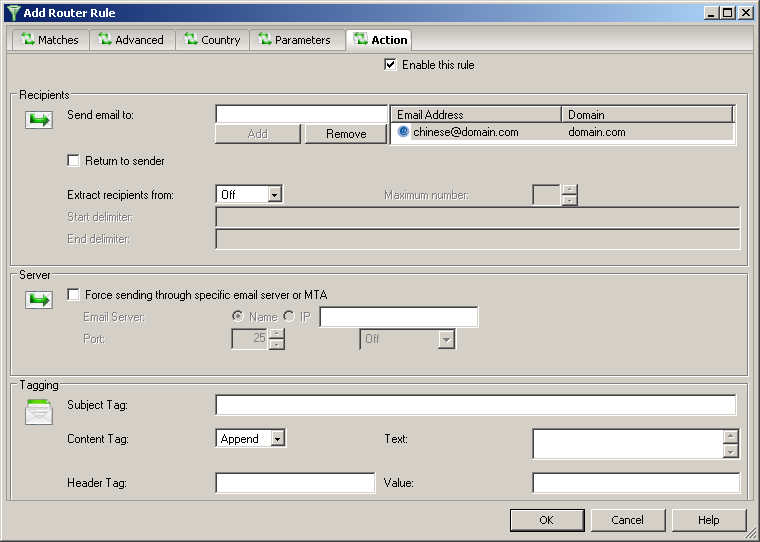
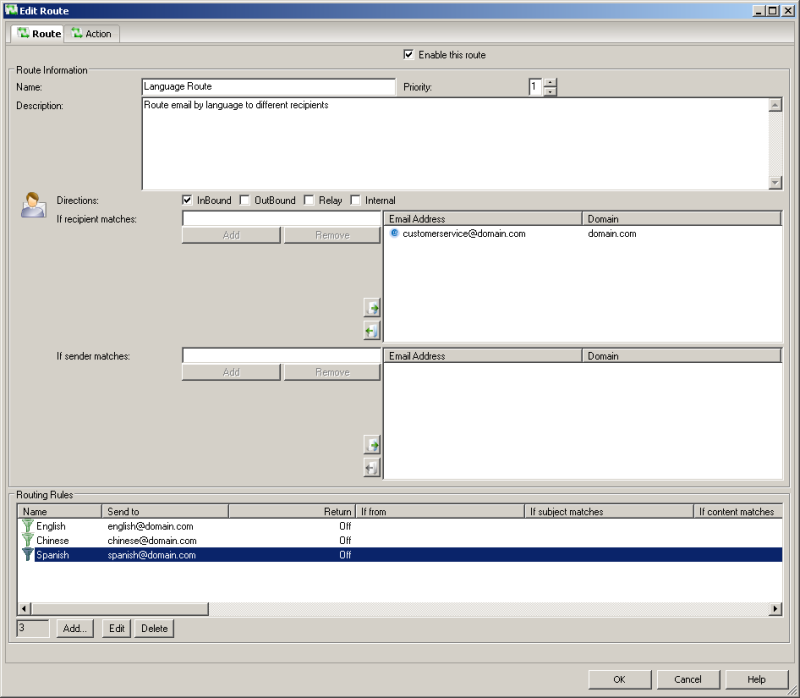
Hexamail Guard and Hexamail Nexus make language-based email routing straightforward to configure. Simply define the languages you need to detect and the target email addresses for each language, and Hexamail automatically routes all matching incoming email — whether received via POP3/IMAP collection or direct SMTP delivery — without any complex scripting or external tools.