This is a guide to setting up Hexamail Flow on a Windows machine.
Let's break the guide into some easy steps:
You will need:
- - a computer with plenty of disk space (>2GB) for storing email
- - a 64bit or 32bit Windows operating system (Anything over Windows XP is still supported!)
- - a permanent/reliable connection to the Internet
- - an email account on a mail server or email provider such as Gmail, Yahoo, Hotmail, Livemail, Office365 etc
- - [Optional] an online calendar account such as Office 365, Google Calendar, CALDAV, Memotoo, Fruux etc
- - [Optional] an online contacts account such as Google Contacts, CARDDAV, Memotoo, Fruux etc
You will need:
- - Administrator access or access allowing installation of software onto your computer
Next you need to download the required software and copy it to your chosen computer.
- 1) Download Hexamail Flow and save the installer exe file and license on the computer
- 2) Run the hexamailflowsetupN.N.N.NNN.exe file by double clicking on it. if you are on a 64bit system you should download the 64bit version called hexamailflowsetupN.N.N.NNN_64.exe
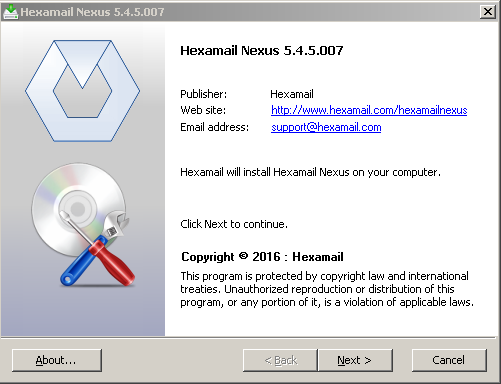
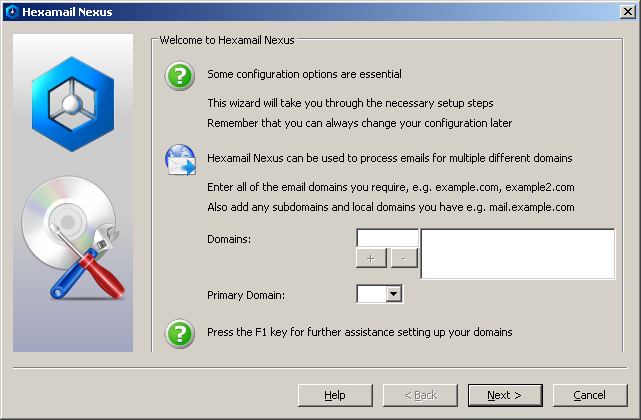
Hexamail products are designed for straightforward Windows installation: download the installer, run it as Administrator, and the setup wizard guides you through the initial configuration. All Hexamail products run as Windows services for reliable background operation and are manageable through a graphical administration interface or web admin, with no need for command-line configuration.